Paradox


Paradox M System

NOT AT HOME? THE SYSTEM STILL KEEPS YOU CONNECTED.

Not every situation requires automatic intervention. Sometimes, what matters most is ensuring that the right person is notified at the right time.

The Paradox M System quickly communicates important events via the internet or mobile network. This allows you to respond quickly through the BlueEye app, while the monitoring centre can react based on signals received directly from the system.
 
The Event Path
 
01
Paradox M érzékelő

Detector

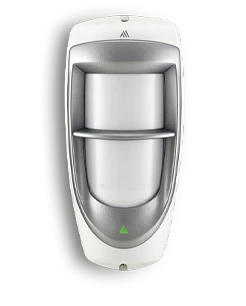
Detects the event.


02
Paradox M25-LTE központ

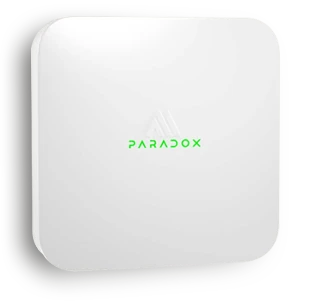
Paradox control panel

Processes and verifies the event.


03
Paradox internetes és LTE kommunikáció

Internet / LTE

Transmits the information.


BlueEye Notification
1
Alarm Event
The living room motion detector has detected an event.
Live Connection

Why do you need this?
LIFE DOESN’T STOP WHEN YOU LOCK THE DOOR.

The Paradox system keeps watch even when you’re focused on other things.


SECURITY

You’re working

The system keeps watch while you focus on your work.


EVEN FROM A DISTANCE

You’re travelling

You can stay informed about events even from the other side of the world.


24/7 MONITORING

You’re away

You don’t need to keep checking – the system stays connected with you.


DAY AND NIGHT

You’re sleeping

If something happens, you’ll be notified immediately.

When every second counts
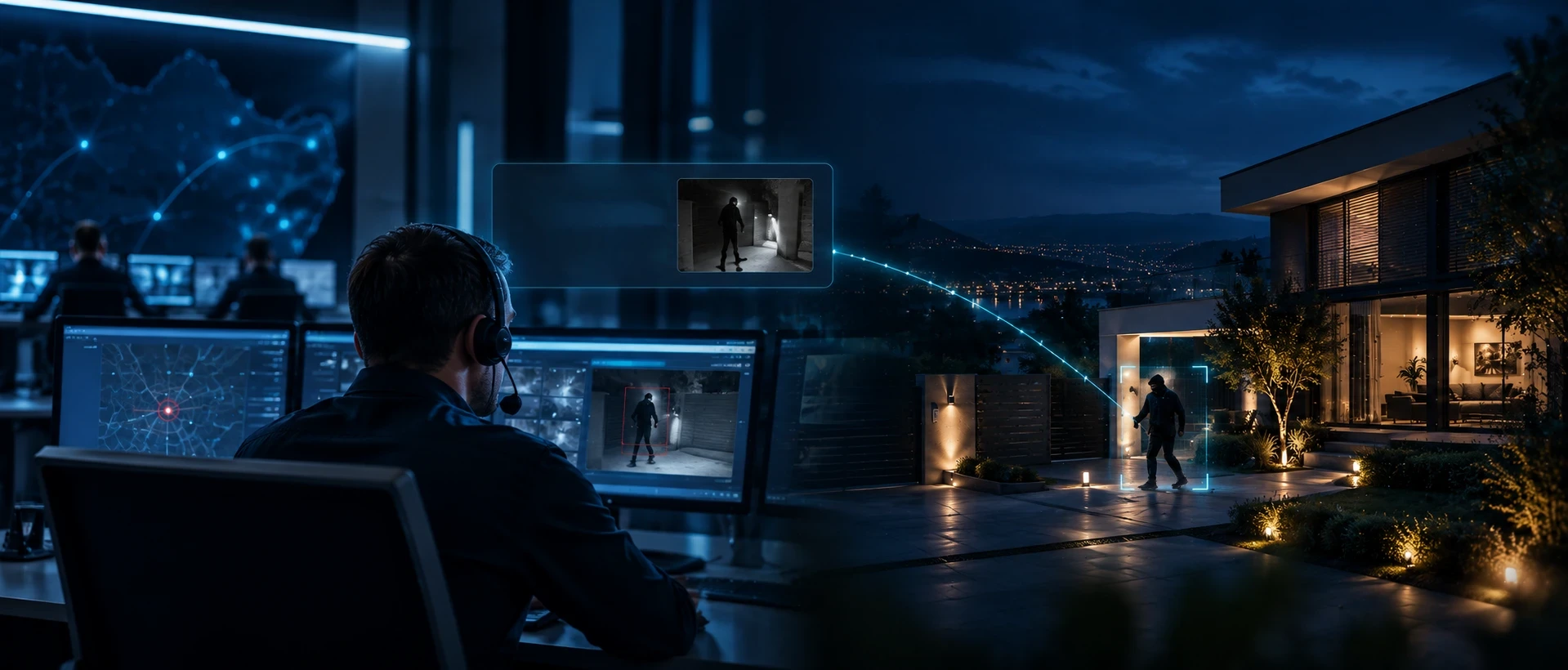
THE SYSTEM DOESN’T JUST DETECT. IT IMMEDIATELY TRANSMITS THE EVENT.

This means you find out what has happened when it really matters – not hours later.

How does it work?

THE EVENT PATH IN JUST A FEW SECONDS.

Paradox M érzékelő
01

Detector

Detects the important event.

Paradox M25-LTE központ
02

Paradox control panel

Processes the event.

Paradox internetes és LTE kommunikáció
03

Secure communication

Transmits the information via the internet or mobile network.

Telefon vagy távfelügyelet
04

BlueEye app or monitoring centre

The information reaches the right destination.

Te vagy távfelügyelet
05

Quick decision

You or the monitoring centre can take action.

You decide

TWO TYPES OF PROTECTION. THE SAME GOAL.

 
Tulajdonos intézkedik
Self-monitoring

You take action

If you prefer to monitor your property yourself, the system sends notifications through the BlueEye app and gives you access to the most important functions.

✓ You receive notifications in the BlueEye app
✓ You can check the system status
✓ You can view live video from connected cameras
✓ You can remotely arm or disarm the system
✓ You can control connected devices

This way, you always decide whether further action is needed.

 
Távfelügyelet intézkedik
Professional monitoring

The monitoring centre assists

If you connect the system to a monitoring centre, alarm events are automatically transmitted.

✓ Receives the alarm
✓ Verifies the event
✓ Contacts the designated persons
✓ Takes the appropriate action if necessary

This means someone is always monitoring the system, even when you’re unable to respond.
 
 
BlueEye mobilalkalmazás
BlueEye app

ALL THE IMPORTANT INFORMATION IN ONE PLACE.

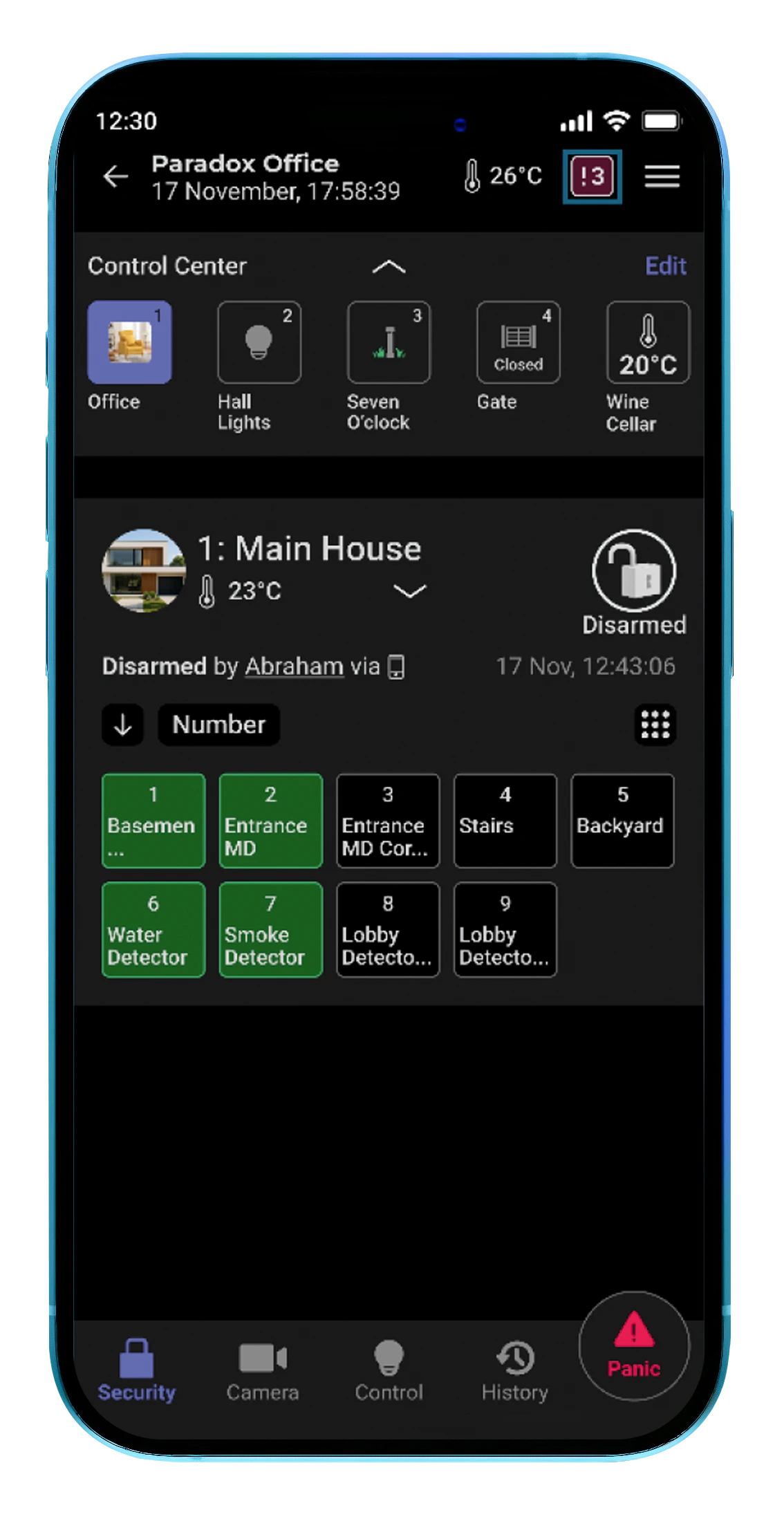
With the BlueEye mobile app, you can always stay connected to your system.

✓ System status
✓ Event log
✓ Camera feeds
✓ Notifications
✓ System modes
✓ Automations
✓ Multiple users
Automated protection

YOU DON’T HAVE TO CONTROL EVERYTHING YOURSELF ALL THE TIME.

The Paradox M System can also be adapted to your daily routine. In addition to scheduled arming and different protection modes, connected devices can also be controlled when the system is appropriately configured.

An Example of an Evening Routine
18:00
18:00
Home
Daytime operation
22:00
Stay Mode
Evening protection
22:05
Shutters
Automatically lowered
23:30
Sleep Mode
Night-time protection
 
 
Daytime Operation

You’re at Home

The system operates according to the configured daytime settings.

Your daily routine can continue automatically.
Scheduled Arming

Can be set for specific days and times.

Stay / Sleep Modes

Can be adapted to your evening and night-time routines.

Connected Devices

With the appropriate system configuration, devices such as lighting or shutters can also be controlled.

Real-time notifications
WHAT WILL YOU BE NOTIFIED ABOUT?

The system not only alerts you to alarms, but also to important changes in the status of your home and the system.


Védelem ikon
Protection

Security Events

 
Intrusion Alarm
 
Panic Alarm
 
Tamper Alarm
 
Masking Attempt
 
Door Left Open
Környezeti esemény ikon
Your Home’s Status

Environmental Events

 
Water Leak
 
Smoke Detection
 
Temperature Alarm
This means you can be notified of a problem even when you’re away from home.
Felügyelet ikon
Continuous Monitoring

System Status

 
Power Outage
 
Low Battery
 
Wireless Connection Lost
 
Device or Zone Connection Lost
 
Important Status Changes
 
System Faults
 
Communication Failure
Benefits
WHY IS THIS USEFUL?
Instant Notifications
You find out what happened immediately, not hours later.

Remote Access

The system can be accessed from anywhere.

Live Camera Feeds

If cameras are connected, you can immediately check what is happening at the property.

Multiple Users

Family members or colleagues can have their own access permissions.

Easy to Use

A modern mobile app that can be operated with just a few taps.

Professional Monitoring

If required, the system can also be connected to a 24/7 monitoring service.